Latest articles
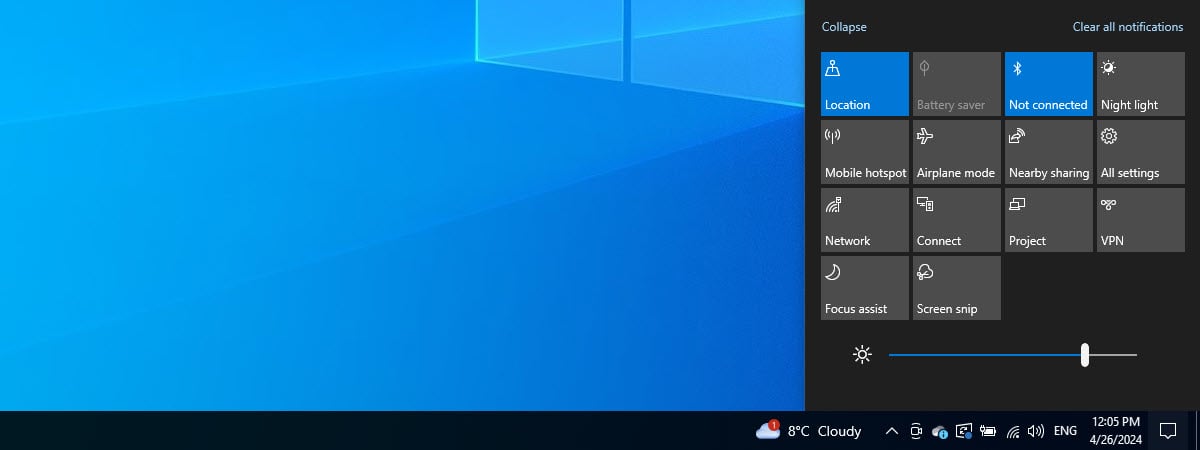
Knowing how to turn up the brightness and lower it can be useful if you spend a lot of time on your Windows 10 computer or device. This setting is especially important when you use a laptop or a tablet because, whether you are indoors...
Besides personal preferences in terms of genre, story, action, and whatnot, playing games on Ultra settings can be a dream come true for many gamers. This is what makes your favorite game offer the most immersive and amazing experience possible, at least visually. However, getting...

If you have an Android smartphone and want to capture what's happening on the screen, it’s really simple. You can record your game, make a guide, or show a problem in an app. Recording your screen is quick and easy; anyone can start a screen...
Some people decide to take Microsoft’s advice and upgrade from Windows 10 to Windows 11 using Windows Update or the Windows 11 Installation Assistant. Then, after a couple of days, they discover they don’t might like the new user interface and have trouble adapting, or...
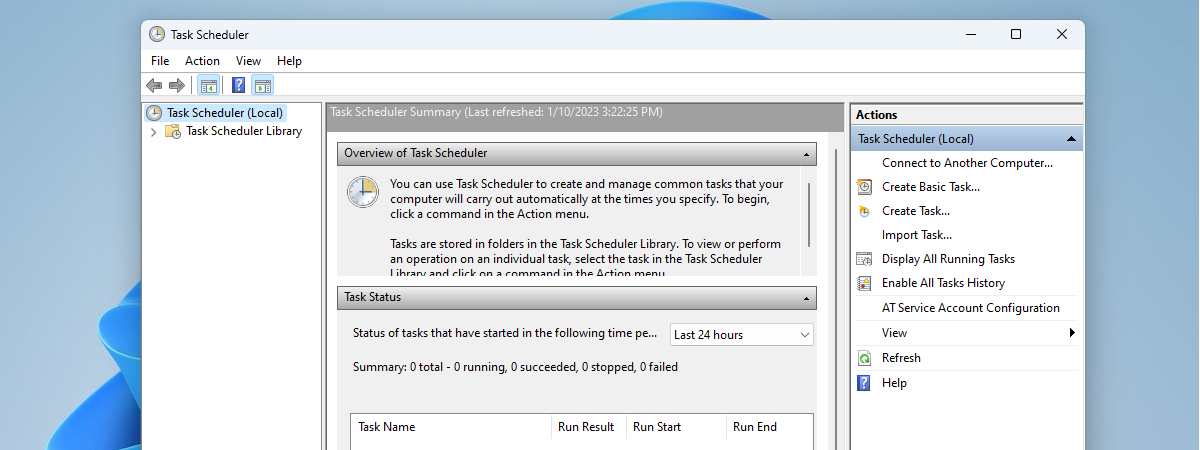
The Task Scheduler is a Windows tool that’s been around for over 20 years. Its main job is to plan when certain tasks should happen on your computer, like running programs or scripts at specific times or in response to certain events. In this guide,...
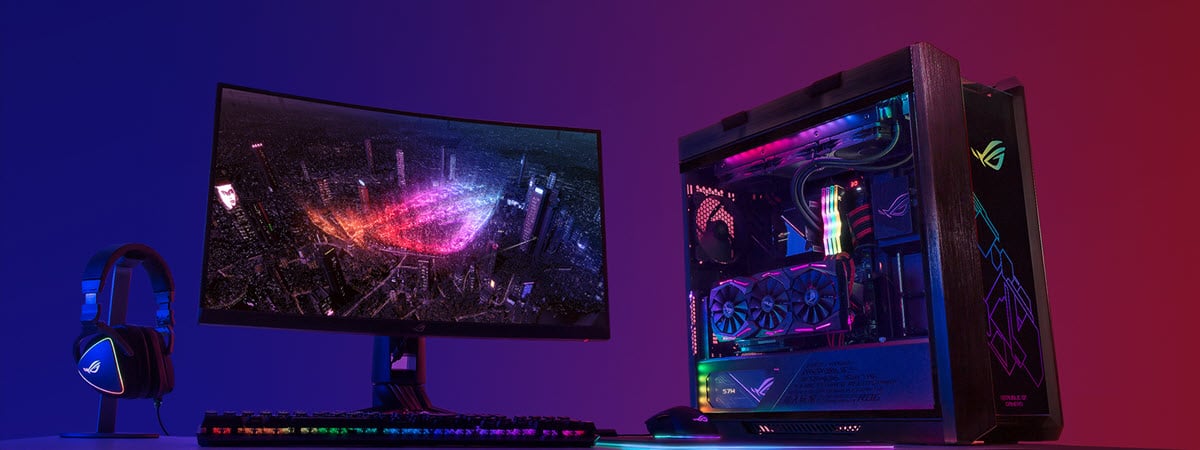
If you have ever used a gaming computer, image editing applications, or a graphic tablet for creating illustrations, it is impossible for you not to have met with the term RGB. Are you curious about the meaning behind RGB, its applications, or the reason why...
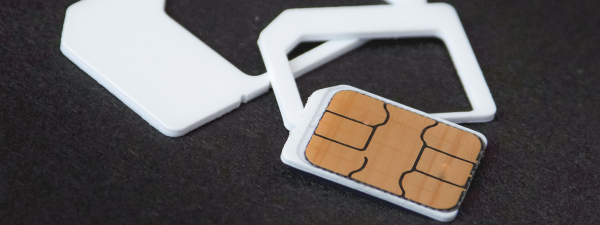
If security is your priority, you may have added and enabled a PIN code for the SIM card in your iPhone to ensure its safety. This means that when you power on your iPhone, it asks you to unlock the SIM card by entering its...
Microsoft's support for Windows 10 will end on October 14th, 2025. After that date, you have to pay a lot of money to get security updates, and you can do so only for the first three years. Therefore, if you want to avoid paying for...
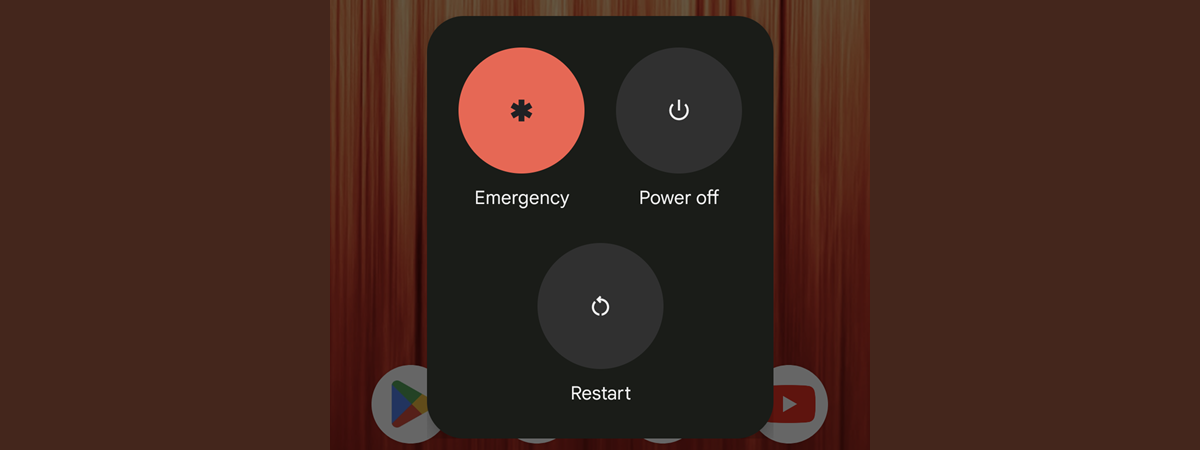
Do you need to shut down your Android phone but aren’t sure how to do it? Rest easy: whether you have a Samsung Galaxy or another Android device, turning it off is a simple process as long as you know how. In this tutorial, I’ll...
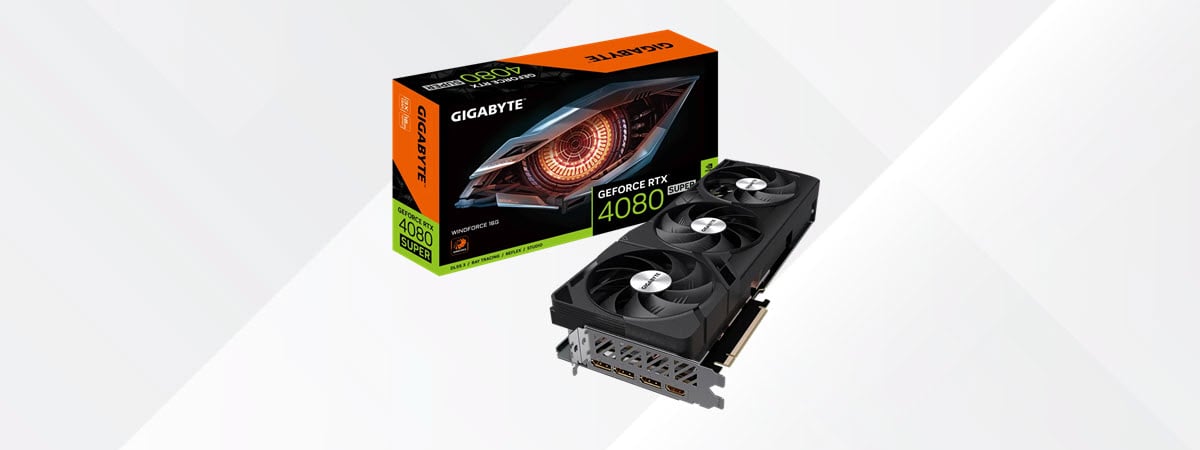
As its name implies, the GIGABYTE GeForce RTX 4080 SUPER WINDFORCE 16G is a graphics card based on the RTX 4080 SUPER GPU from NVIDIA, which is the latest and probably the final iteration in the GeForce RTX 40-series. One important upside is that the...
see all
Recommended articles

When I went to the Samsung Galaxy S24 launch event, I loved the demos of the Galaxy AI features and wished I could use them on my Samsung Galaxy S23 smartphone. Fortunately, Samsung has recently released the One UI 6.1 update, based on Android 14,...

Figuring out how to take a screenshot on an iPhone 13, iPhone 14, or iPhone 15 is not an easy task if you’re switching from Android or even if you used an older iPhone before. Luckily, there are several options available for taking a screenshot...
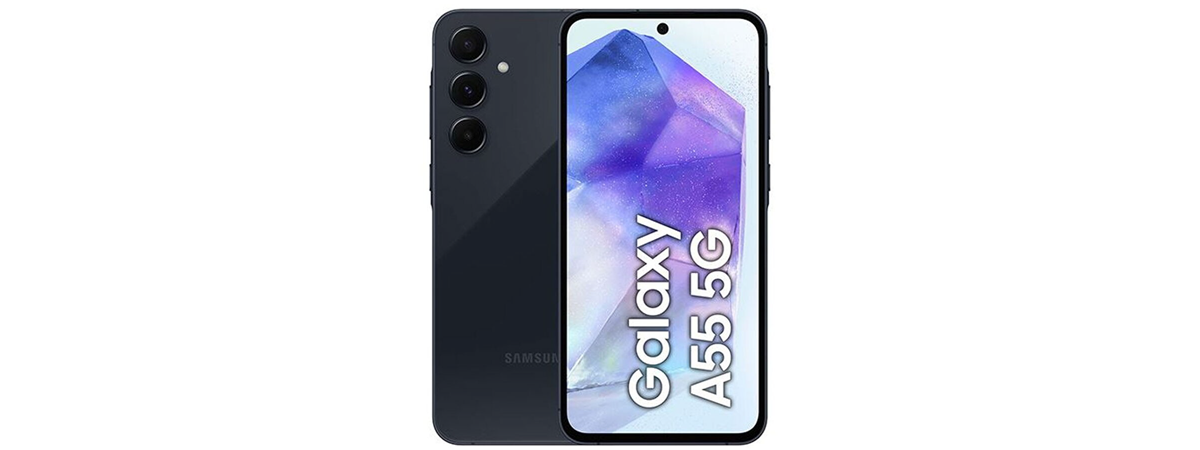
The smartphone mid-range sector has become very competitive in recent years, and Samsung managed to be one of the main players in this market too, with its Galaxy A5x line-up. However, in 2024, the competition is tougher than ever and the new Samsung Galaxy A55...
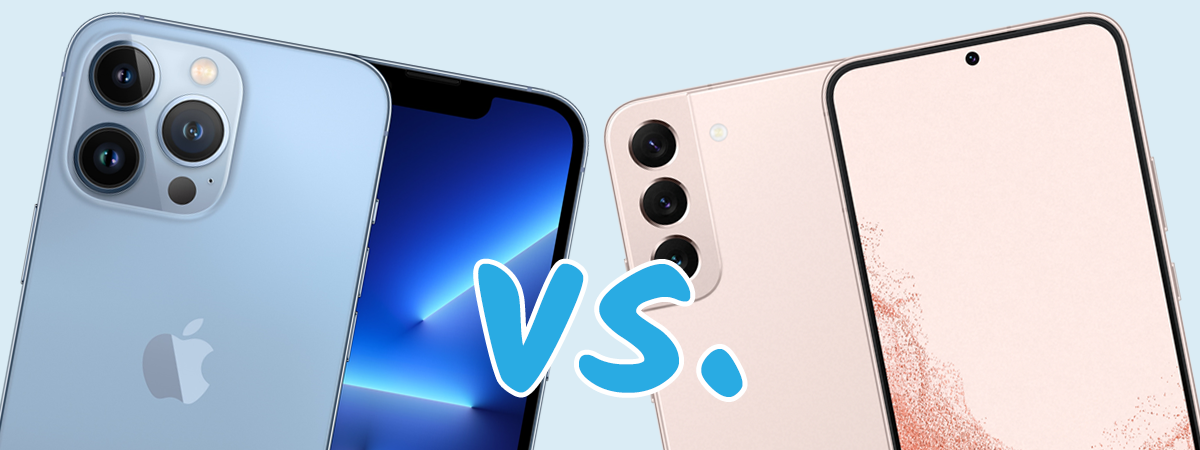
Which are better: iPhones or Android smartphones? The debate never ends, and most people choose to be either iOS or Android fans, no matter what. I’ve owned several iPhones and at least ten Android smartphones in the last decade, and I’m not even counting the...
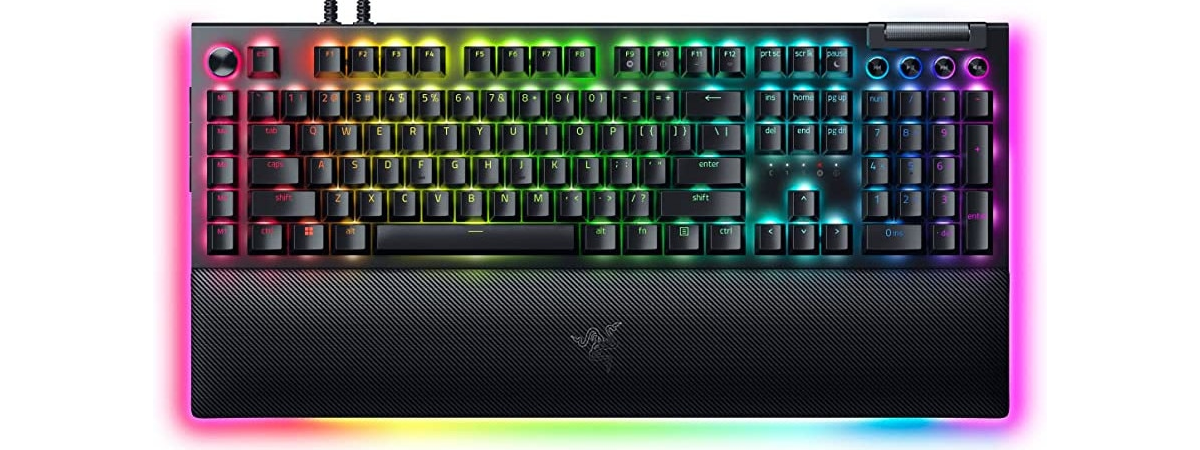
Having the right keyboard can make all the difference when playing your favorite games. Enter the Razer BlackWidow V4 Pro — the latest evolution in Razer’s renowned BlackWidow series. This isn't just any keyboard; it is a high-end product equipped with mechanical switches, extensive RGB...
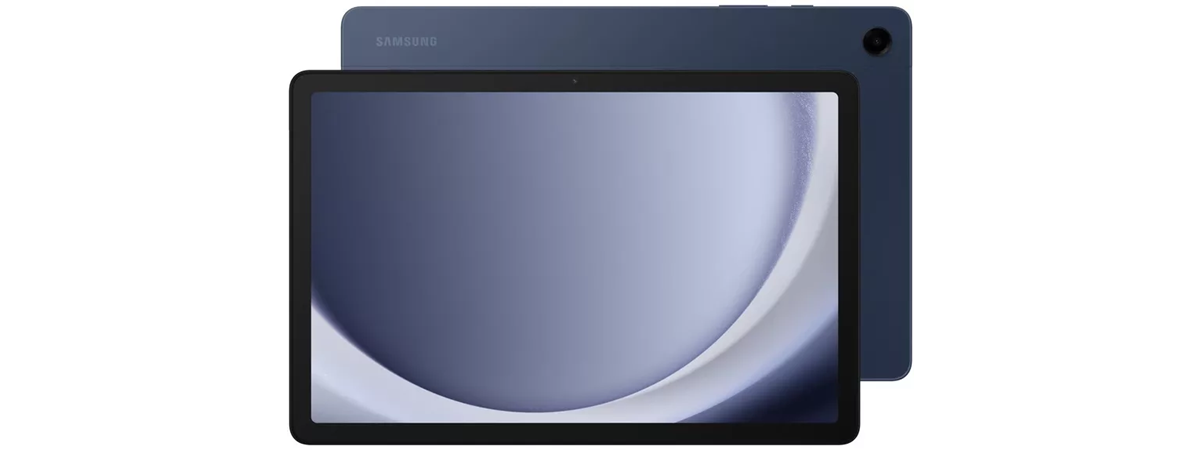
Buying a good tablet is difficult if you don’t have a generous budget. Luckily, in recent months, some new tablets have been launched, including the Samsung Galaxy Tab A9+, which aims to upgrade the user experience in several key areas and offer things like 5G...
Although Windows 11 continues to gain attention and slowly but steadily improve its adoption rate, Windows 10 remains widespread in 2024. The reasons for that are simple but important, and even Microsoft seems to have noticed that many people like this operating system more than...

File Explorer is one of the most used apps in Windows 10 and Windows 11. Whether you need to open, copy, delete, or move files, there is always one thing you have to do first: open the File Explorer. So, I thought it would be...

One of our readers contacted me and told me his girlfriend is traveling somewhere in Asia. Her birthday is coming soon, so he wants to schedule a romantic text message that should be sent when she wakes up. He wanted to know if this was...
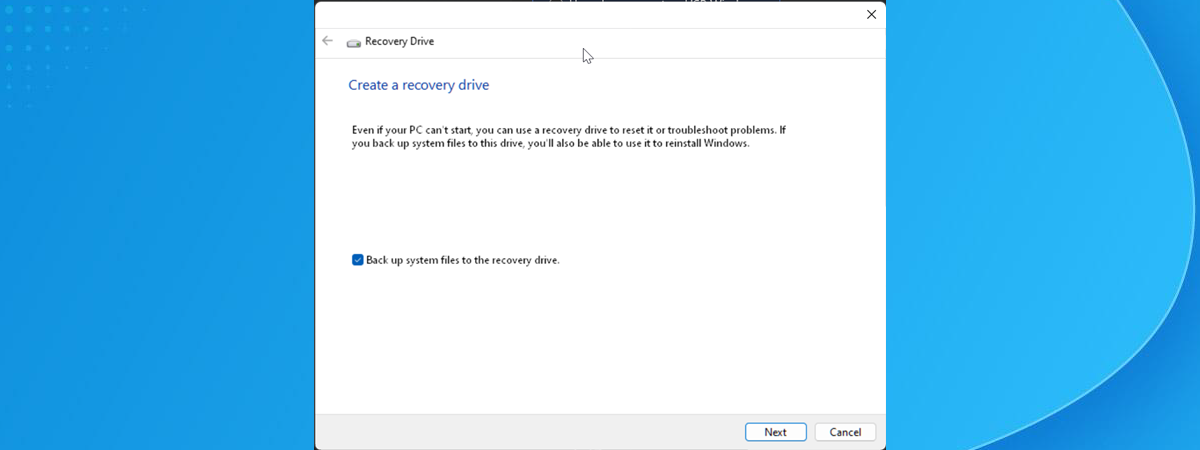
When Windows crashes because of a faulty update or when it doesn’t boot correctly, you can try fixing it with a recovery USB drive. Creating a recovery drive involves plugging a USB memory stick into a working Windows computer and running the Recovery Media Creator...
see all