
Command Prompt

Tutorials and articles about the Command Prompt in Windows

How to Hide or Dismount a Partition in Windows

Do you need to hide or dismount a partition so that Windows can no longer view it and write files on it? If that’s the case, then you are in luck. This tutorial shows how to do this both from Computer Management and the Command Prompt. It also shows how to mount back (unhide) partitions, in case you need to use them again.

An Ode to the Command Prompt - the Most Powerful and Least Used Windows Tool

At the beginning of 2010, we started a series on System Recovery tools for Windows 7. Little did we know that the series would expand tremendously and, in the end, we would cover quite extensively a very old and misunderstood tool: the Command Prompt. While working with it, we were fortunate to truly learn its power and usefulness. Therefore, we would like to end our series of articles with a recap about all the great things the Command Prompt can do.

Command Prompt - Repair Missing or Corrupt Files

Sometimes important Windows 7 system files can get corrupted or become missing, due to unexpected events like a sudden power drop or some hardware or software malfunctions. One of the tools which can help in such cases is System File Checker (SFC). This is a command-line system tool that scans the integrity of Windows 7 system files and replaces the damaged or missing system files. In this article you will learn how to use this utility from the Command Prompt to solve your problems.

Command Prompt - Advanced Commands for System Information & Managing Active Tasks

You all probably known how to view information about your computer using different tools such as Task Manager or System Information. For this article, we thought it would be useful to learn how to view complete system information directly from the Command Prompt and how to manage your running processes, with the use of a few advanced commands.

Command Prompt - Advanced Disk Management Commands

In one of our previous articles, we've shown how to manage your disks using the Disk Management utility. Now it's time to see how the same can be done from the Command Prompt using the DiskPart program. In this article you will learn how to create, format, delete and check your partitions for errors, directly from the Command Prompt.

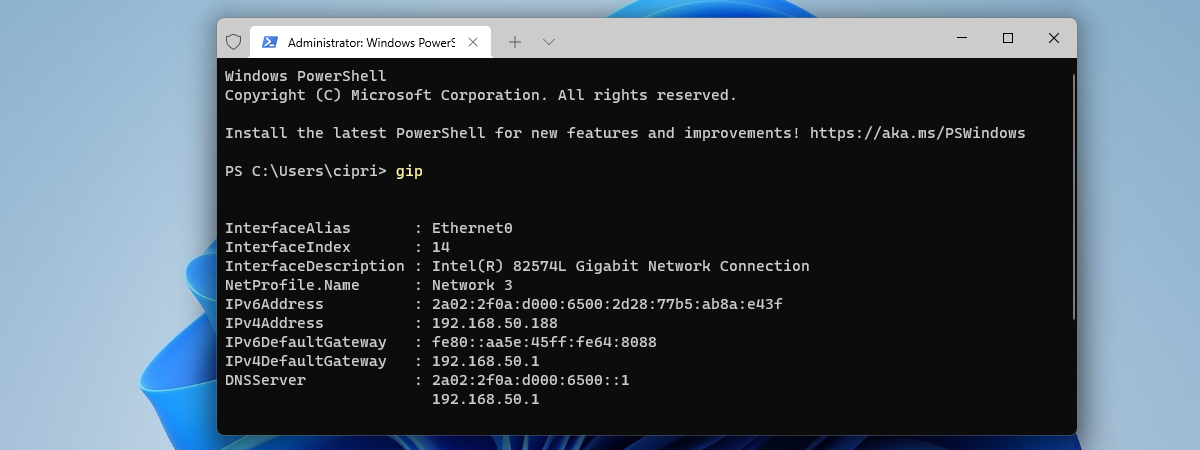
Command Prompt - Advanced Networking Commands

In one of our previous tutorials, you've learned how to use basic commands in Command Prompt. Now it's time to take things to the next level and show how to use some of the more advanced commands. The first set of advanced commands contains useful network commands which facilitate the following: viewing information about your network devices and connections (assigned IP Address, the MAC of the network card), checking the availability of a certain host and displaying a wealth of networking and ports information.

Pages