


Cool, free and safe screensavers can be hard to find. They have become popular programs for viruses and malware to piggyback on and may require or attempt to force the installation of unwanted toolbars and software. Many people do not use screen savers for their originally intended purpose, often simply setting their computer to shut off the monitor after idling for too long. However, there are several fascinating and useful screensavers out there for those who enjoy them, and we have tracked down some of the best free screensavers for Windows. Here is a sampling of both fun and safe to use screensavers, for your perusal and enjoyment:
NOTE: All the screensavers in this roundup work in Windows 10, Windows 8.1 and Windows 7, and none of them contain malicious code. We double-checked with our commercial antivirus, to make sure that we do not recommend screensavers that negatively affect your security or privacy.
1. Fliqlo
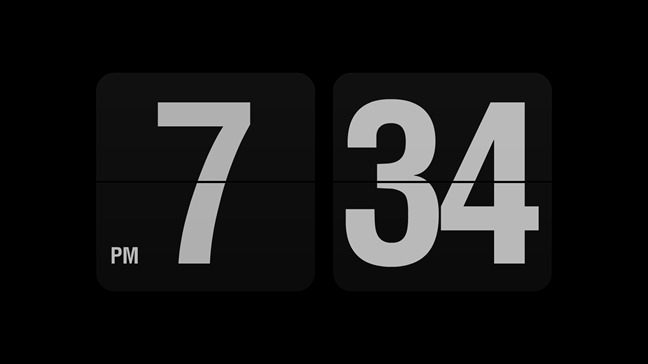
Fliqlo is the best screensaver for those who are in love with minimalism. It is an extremely simple clock screensaver that displays a flip clock on your desktop. We love it, and we bet that many of our readers will too.
Download: Fliqlo
2. Aerial
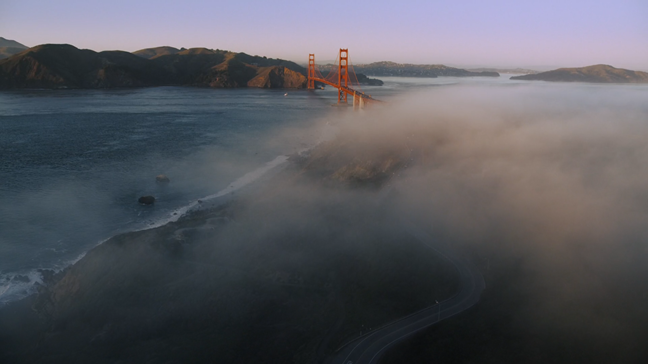
One of the best screensavers for Windows is a port of a series of videos used by Apple TV. It's called Aerial, and it features some breathtaking aerial movies shot over New York, San Francisco, Hawaii, China and so on.
Download: Aerial
3. League of Legends (League Displays)
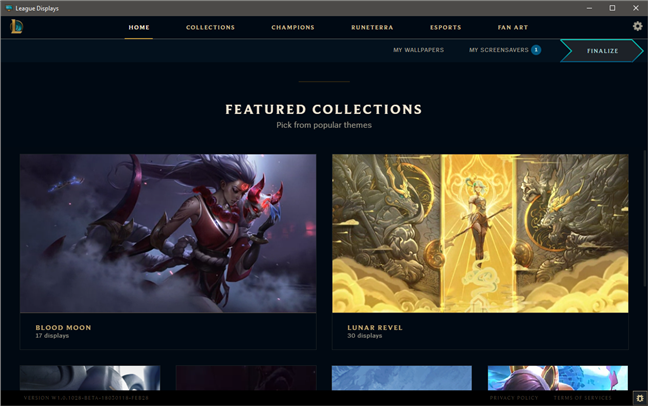
We are gamers, and one of our favorite game is League of Legends, so you can imagine how thrilled we were when we found out that Riot Games made an app called League Displays that lets you download and use cool screensavers and wallpapers showcasing the game. The app lets you choose what artwork, images, and animations you want to download and display on your screen, both as wallpapers and as screensavers, when your computer sits idle. If you like the game, this is a must-have, so what are you waiting for? Grab it now!
Download: League of Legends screensavers and wallpapers (League Displays)
4. Modern Glance
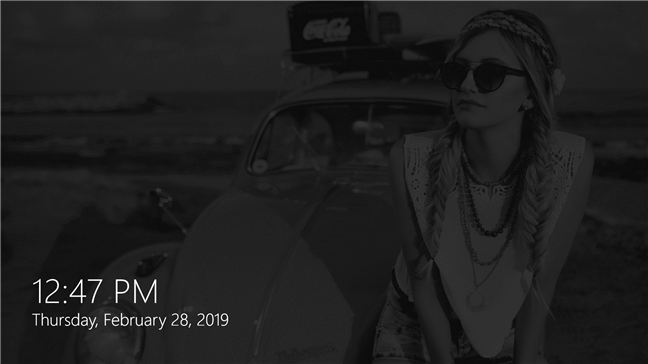
Modern Glance is the only screensaver from our roundup that is distributed via the Microsoft Store. It is also one of the most advanced, as well as one of the most recent screensavers on our list. Modern Glance simulates the original Lumia Glance screen that was first used by Microsoft on its Lumia smartphones a few years ago. If you still remember Windows Phones or if you want to try something new, simple and useful, you should download and install Modern Glance.
Download: ModernGlance
5. System 47
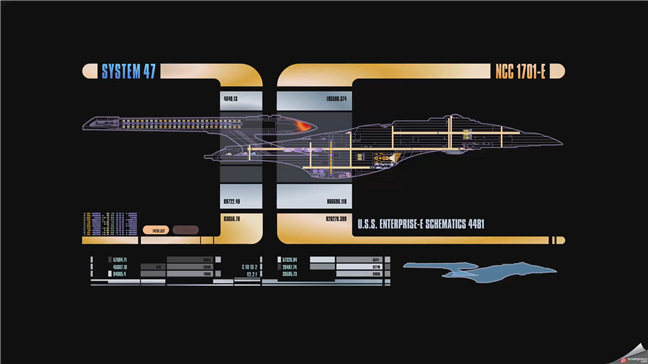
If you like science-fiction movies in general and Star Trek: Next Generation in particular, you might be thrilled to hear that an LCARS screensaver exists out there, where no one has gone before: on the internet, the final frontier. 🙂 The screensaver is called System 47, and it displays animations that simulate the Library Computer Access and Retrieval System (LCARS) from the Star Trek universe. It includes a Sector Scan, Star System Analysis, Milky Way Galaxy Map, USS Enterprise and so on.
Download: System 47
6. Japan Spring
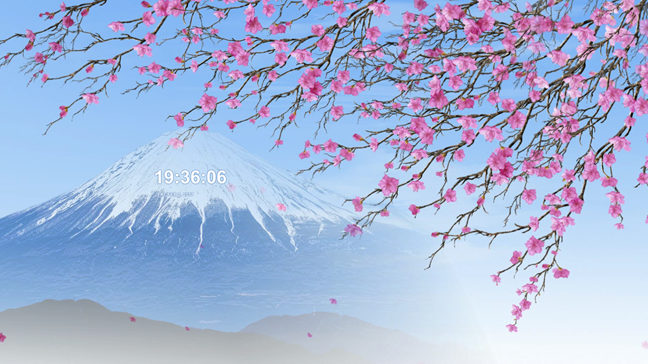
Japan is one of the most beautiful places on Earth, and one of the most interesting. Two of the things that contribute to its legend are Mount Fuji and the sakura, or cherry blossom. If you want to feel closer to Japan and see something beautiful, you should try the Japan Spring screensaver. It's peaceful, warm and perfect.
Download: Japan Spring
7. Electric Sheep
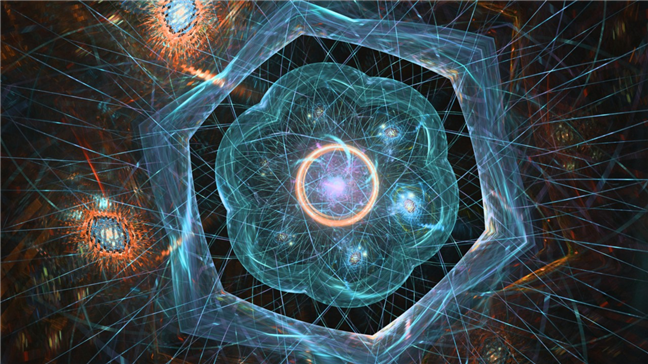
This screensaver, referred to as "sheep," uses images that are downloaded through a working internet connection on your computer. While the screensaver runs, you can vote on the "sheep" presented to you, which influences the central database's choices on which kinds of "sheep" are the best. Several of the "sheep" can be quite mesmerizing and even artistic. If you are interested in what are often beautiful computer-generated images, this program is worth a look; even if you do not necessarily need an actual screen saver.
Download: Electric Sheep
8. Polar Clock 3
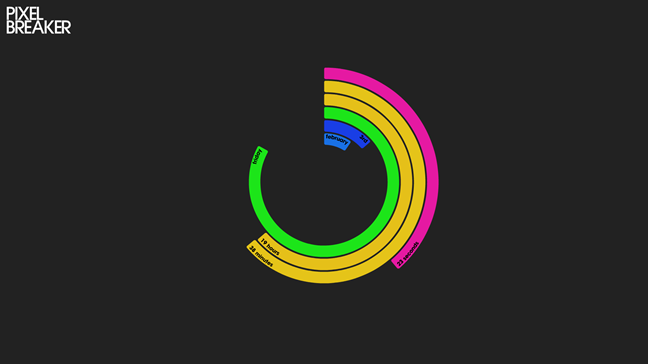
This screensaver shows the month, day, the day of the week, hour, minute and second, on six bars that gradually concentrically circle the screen as time passes. It is an interesting display, and we bet it'd be especially cool to have this one running for the New Year's Eve countdown!
Download: Polar Clock
9. Flurry
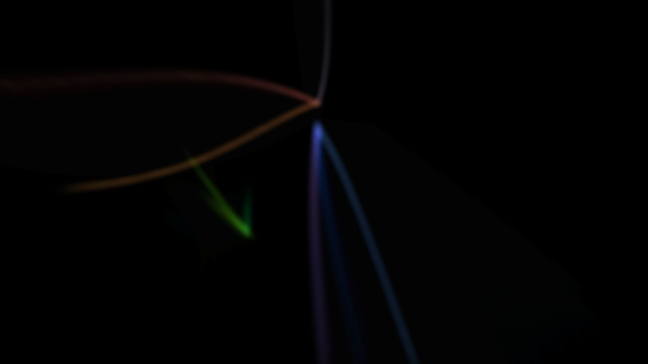
A deviantART user developed a version of this popular Mac screensaver that functions on Windows. Once you have it installed, the screensaver runs its design just like the Mac version and is both mesmerizing and simple at the same time. It is interesting to know that, even though it was an original deviantART creation, it can no longer be found on the deviantART website. However, it is still available to download in various locations on the internet, like the one below.
Download: Flurry
10. Sun Village – Nvidia Edition
During the research for this article, we were surprised to discover that Nvidia has some interesting screensavers. Sun Village is one of the most complex screensavers we have seen so far because it combines 3D images with sound. Download it from the link below and try it. Although it is rather old, you might be delighted with how it looks.
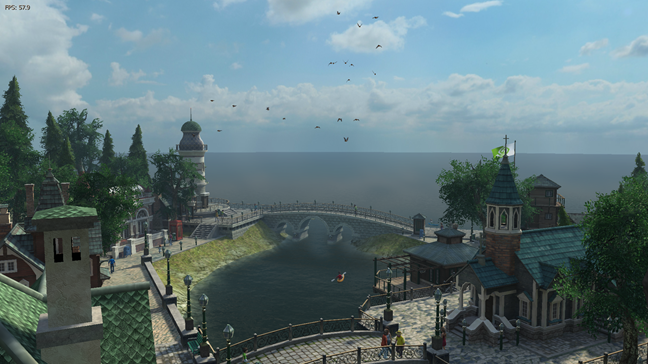
During the installation process, be careful, as this screensaver bundles a third-party application that you might not want: 3Planesoft Screensaver Manager. Uncheck it if you want to install just the screensaver.
Download: Sun Village – NVIDIA Edition
11. zz DVD
Most people have seen, at least once in their lives, the renowned bouncing DVD logo, aka the DVD screensaver. It is that animated screensaver with a DVD Video logo that jumps around the screen endlessly. It might not look like something extraordinary, but the math behind it is interesting. It has become famous thanks to the jokes about it from the American TV show The Office: try watching it until the DVD Video logo hits one of your screen's corners. 🙂 If you want your Windows PC to showcase the DVD Video bouncing logo, download and install the zz DVD screensaver.

Download: zz DVD
12. Lost Watch 2 – Nvidia Edition
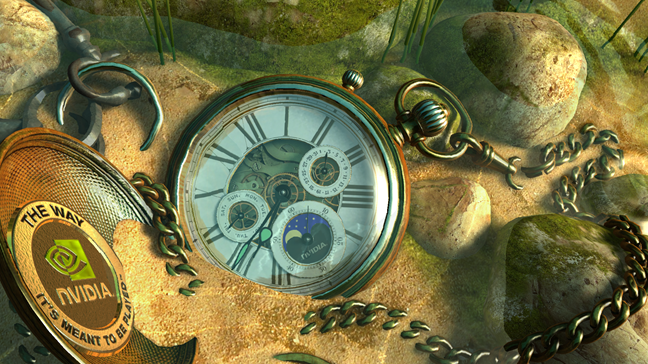
Lost Watch 2 is another screensaver created for Nvidia. It looks great and also it is useful because... it tells you the time. 🙂 Just like Sun Village, this screensaver combines images with relaxing sounds. During the installation process, be careful, as this screensaver bundles a third-party application that you might not want: 3Planesoft Screensaver Manager. Uncheck it if you want to install just the screensaver.
Download: Lost Watch 2 – NVIDIA Edition
Bonus: World Community Grid
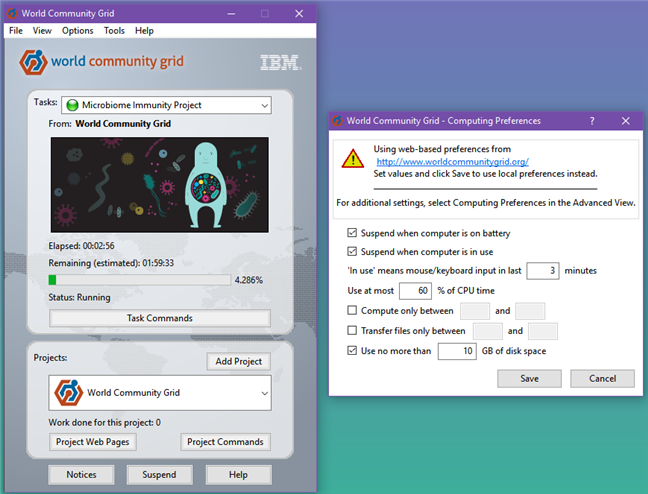
The World Community Grid is one of the easiest ways in which you can support worldwide research into global medical and social causes. It is an app that you can download and install on your computer, and which can then use your PC's unused resources to power up scientific research on health, poverty, and sustainability. We decided to include this app in this roundup of screensavers due to its cause, and also because you can set it to run only when your computer is idle, using your PC's resources when the screensaver is on. If you are not using your PC, wouldn't you want it to help research on important issues such as microbiome immunity, fighting cancer, AIDS and others alike?
Download: World Community Grid
Which is your favorite screensaver?
We hope that you found this roundup useful and exciting and, hopefully, now you have a few options for beautifying your computer's screen when it is standing idle. If you know other good screensavers which you would like to recommend, do not hesitate to leave a comment below.