



The Public folder was first introduced in Windows Vista and it has appeared in every version of Windows since. It is not much of a feature - just a folder with a slightly special setup that can be useful in certain scenarios. To help you understand what the Public folder is, how to use it, and when it is useful to use it, we created this guide which explains the important bits you need to know.
What is the Public Folder in Windows?
The Public folder is located in "C:\Users\Public", in all Windows versions. All user accounts registered in Windows have access to it. That's why it is named Public. Any file and folder found in "C:\Users\Public" is completely accessible to all users.
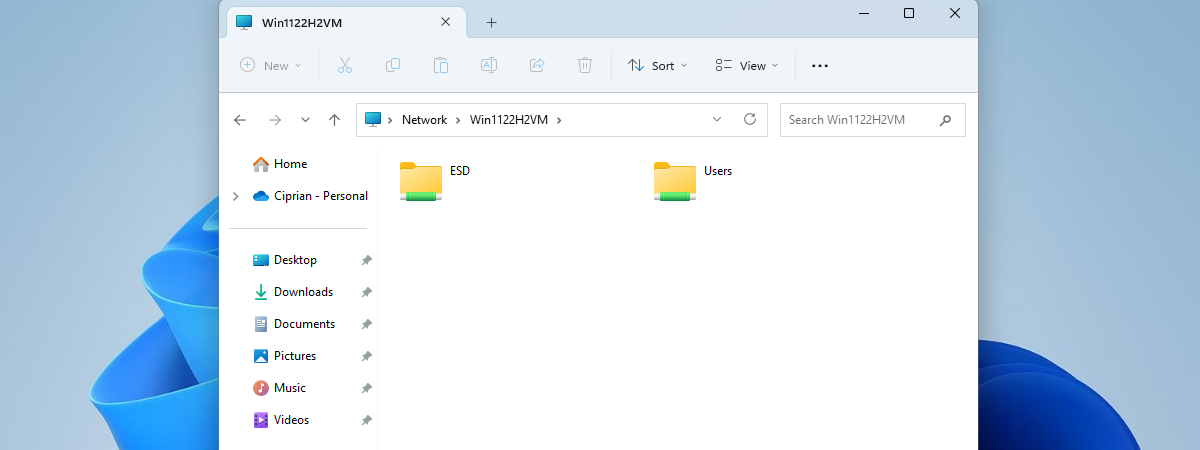
Depending on your network sharing settings, this folder and its content can also be accessed by all other computers and devices that are part of the same network.
What Is Inside the Public Folder?
By default, the Public folder contains the following subfolders: Public Documents, Public Downloads, Public Music, Public Pictures, and Public Videos. Depending on the version of Windows you are using, these folders may contain sample files such as music, pictures, and videos. This is the case for Windows 7 but, in Windows 8, all these folders are empty.
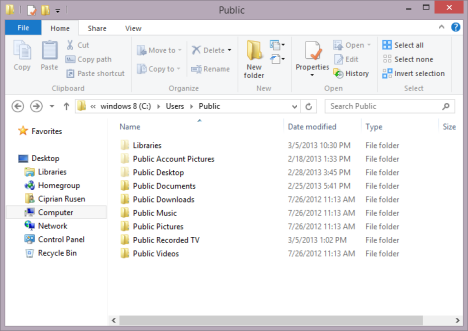
The Public folder also contains a series of hidden folders: Favorites (existing only in Windows 7), Libraries, Public Account Pictures (existing only in Windows 8) and Public Desktop. By default, these folders are empty in all versions of Windows.
Public Documents, Public Music, Public Pictures and Public Videos are also part of the standard libraries found in Windows. Therefore, anything you place inside them is easily accessible and indexed by Windows in order to allow fast file searching.
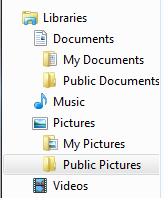
These Public folders can be removed from your libraries, if you don't plan to use them. To learn more about working with libraries, read this tutorial: How to Use Libraries for Managing Groups of Files and Folders.
How to Use the Public Folder
The main use for this folder is to quickly share files and folders between user accounts on the same computer or with other computers and devices on the network.
Using the Public folder is a matter of choice and personal style. I prefer not to use it but this doesn't mean it cannot come in handy. For example, if you have multiple people using the same computer, each person with his own user account, you can use the Public folder to share files between all these user accounts. Everything you place inside this folder will be accessible to all the other user accounts. Each of you can make edits to any file and, once saved, they are available to all other user accounts.
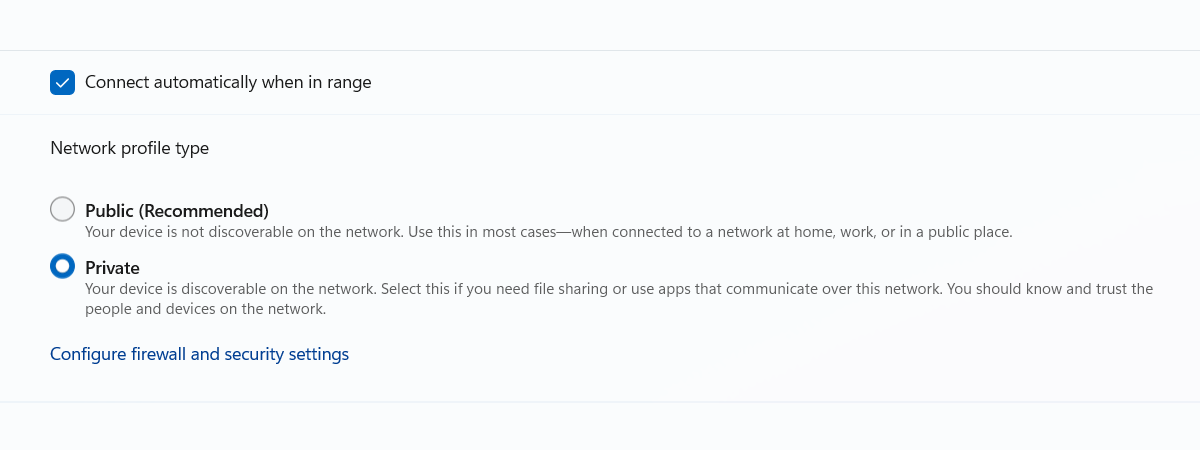
The Public folder can also be used for sharing files with other computers on your network. If you choose to share this folder, other computers can access its contents. This can be useful especially when sharing files with non-Microsoft operating systems. Since you cannot have them join the Homegroup, for easy sharing, the Public folder works quickly and without any special setup.
How to Share/Unshare the Public Folder
To enable or disable the sharing of this folder, you need to open the "Advanced sharing settings" panel.
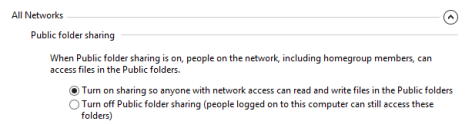
Then, make the settings you want in the Public folder sharing section. To learn how to do this in Windows 7, read our guide on How to Customize Network Sharing Settings in Windows 7.
Conclusion
Many people ignore the Public folder including myself. But that's due to the fact that I am not sharing my work computer with others and I don't really need to use it. On your family's desktop computer or on a work computer, this folder can be quite handy. Therefore, don't hesitate to use it, if there is any benefit in productivity to be gained from it.